Cluster design
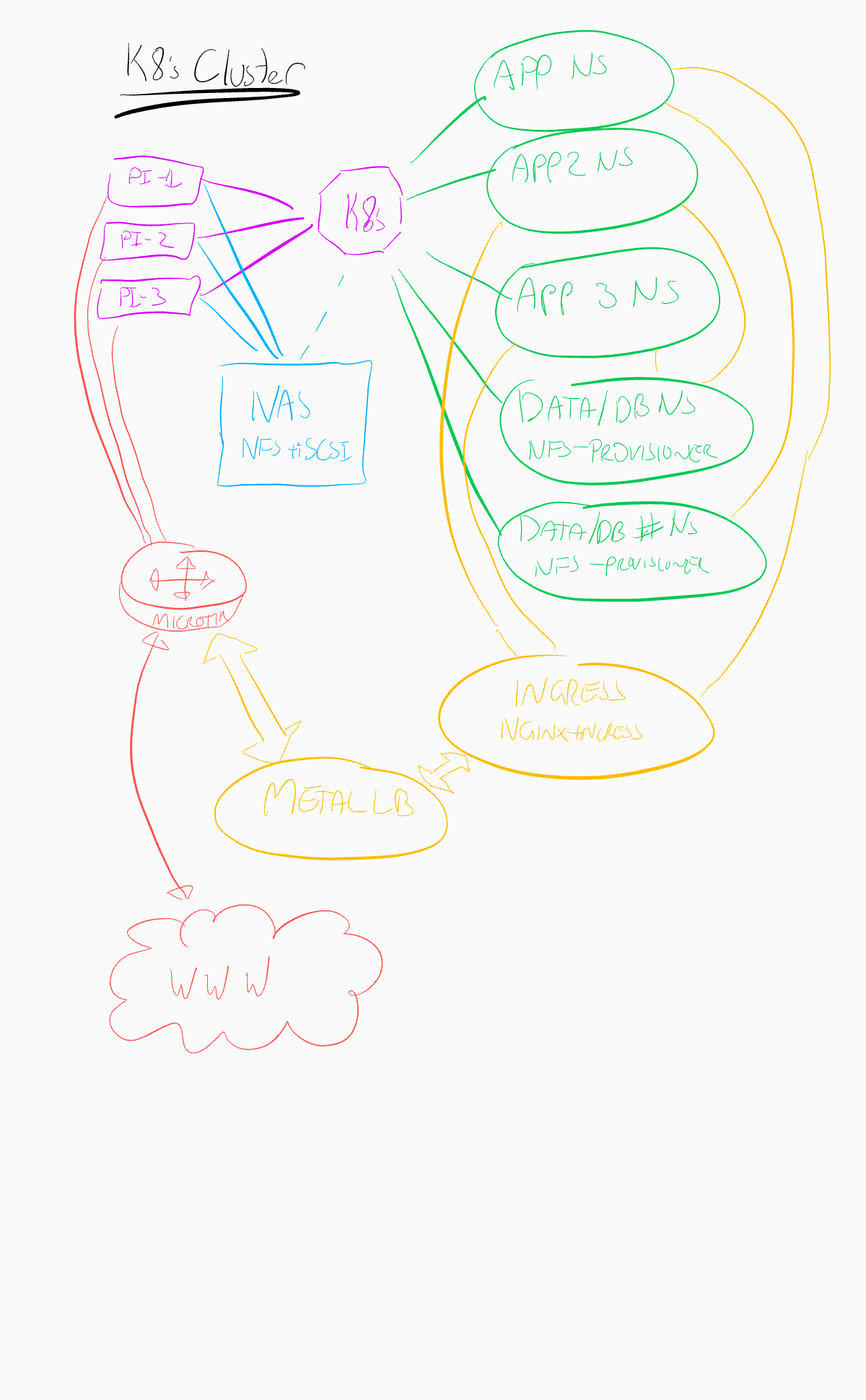
The K8s cluster uses an internal network behind a microtik router (this seemed the simplest choice on a budget given my famililarity with linux and iptables).
Physical setup
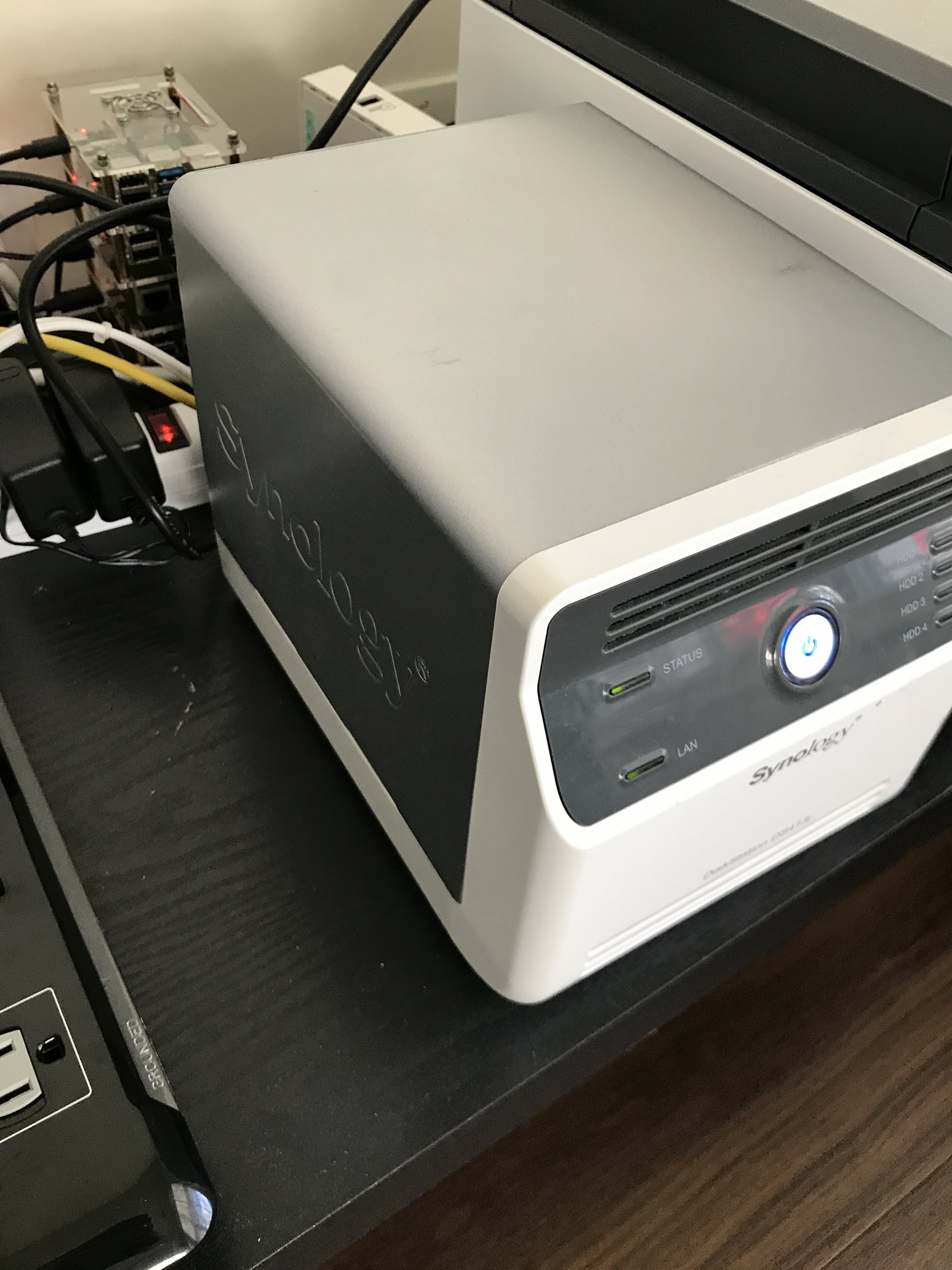
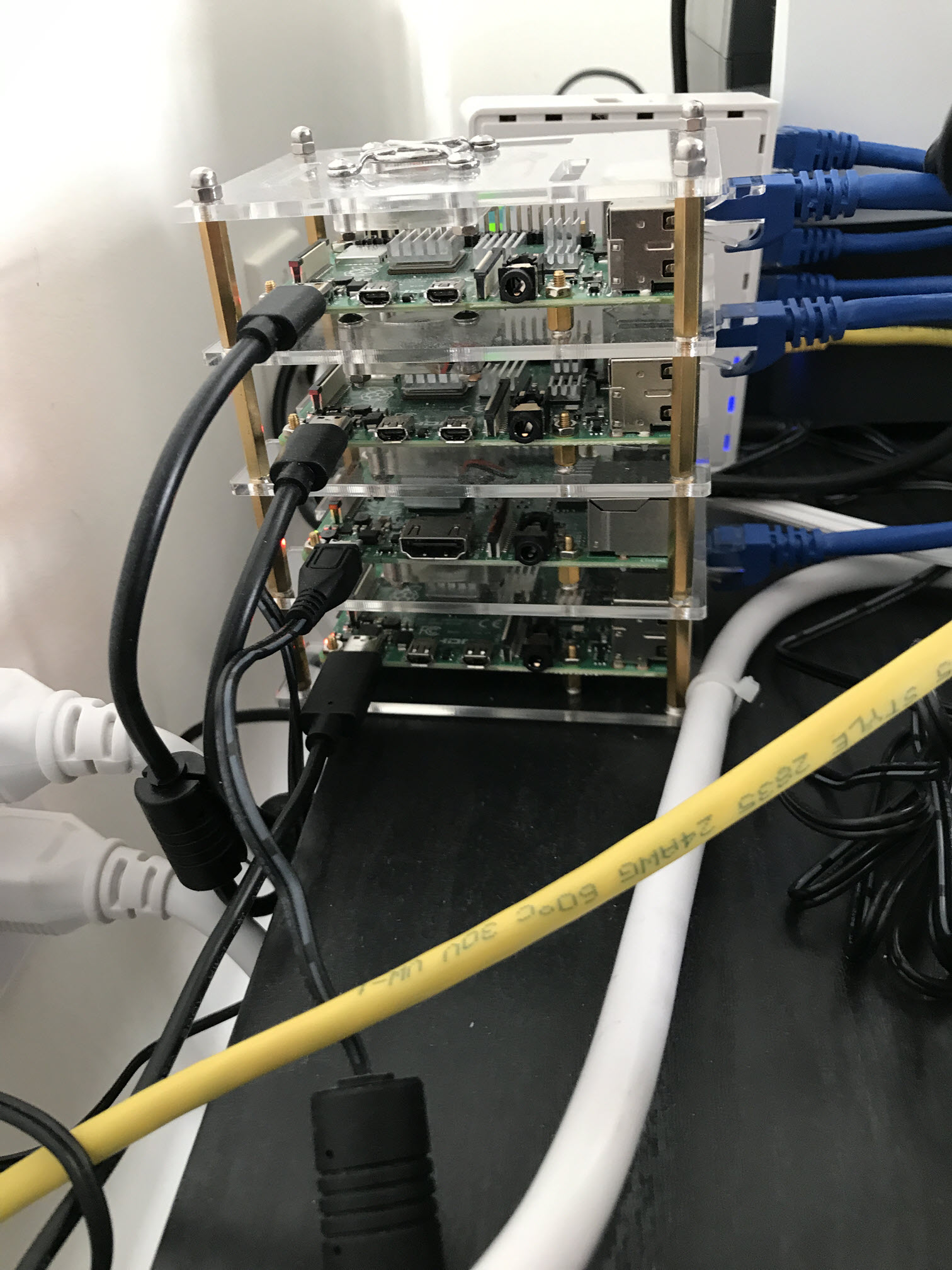
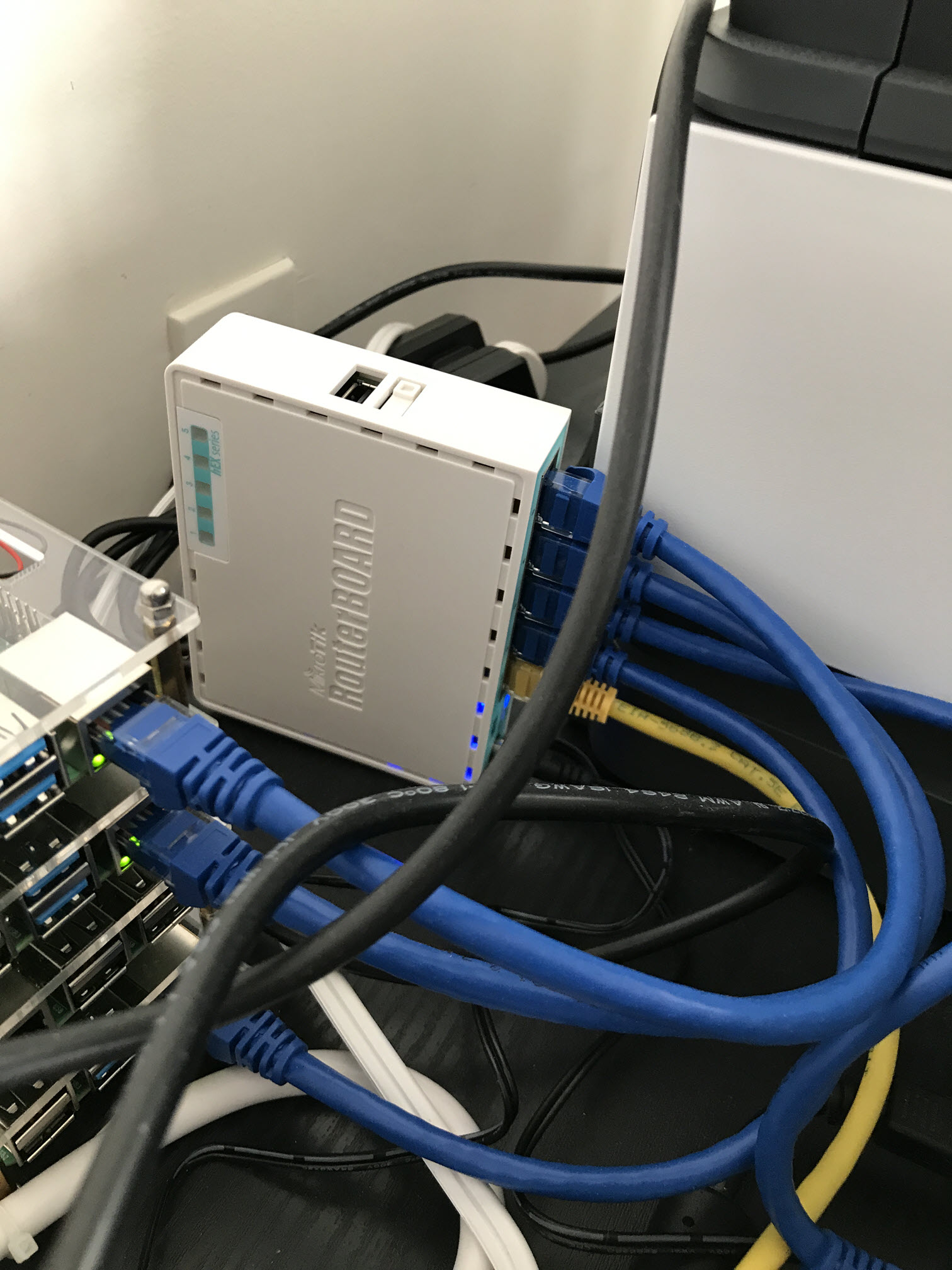
Some quick photos of the setup are below, one of the PI units is a v3 system and given the limited performance this unit can deliver I've ended up turning it off. Makes the setup look neater with all the bays full though.
A quick sketch of the network design:
Learnings so far in setup:
There are some limitations to deploying a kubernetes stack locally (Bare Metal) that I've had to do some research to try to overcome.
Storage
Storage in a cloud based K8s cluster is typically allocated via the proprietary offerings of the vendor (AWS, Google, Microsoft and so on). In scoping out requirements I determined the following list:
- I should be able to manage this internal to the cluster after setup (objects requesting storage volumes via persistent volume claims should be able to obtain these automatically).
- The solution should offer some level of redundancy (there's not much point in building a redundant set of worker nodes that can host the application if the data does not have similar levels of coverage).
- I am on a budget so the solution must be low-cost.
OpenEBS
https://github.com/openebs/openebs This solution looks very promising, and leverages the cluster itself for managing storage, configuring node-based storage or using this to generate cluster level replicas of data.
Unfortunately its support for ARM devices is still rather limited, so something I'll leave for future exploration once this issue is merged into the main EBS git branch.
NFS
https://github.com/helm/charts/tree/master/stable/nfs-client-provisioner The NFS client provisioner allows exposure of an NFS storage volume as dynamic storage. The provisioner then allocates sub-folders as volumes exposed to particular pods.
While learning about storage and setup I have opted for this solution. I have an exisitng Synology NAS which can provide a reasonable level of throughput and as the system has 4 bays, can provide an acceptable level of redundancy for my purposes.
Setting the client up has been quite a journey. Storage options I've found to be effective are as follows when launching the helm client:
mountOptions:
["rw","bg","hard","nointr","rsize=32768","wsize=32768","tcp","noac","actimeo=0","vers=3","timeo=600"]These were borrowed from an optimal configuration for database storage online (which is a bit of a minefield when using NFS). Probably the key items here are the read and write size of 32 kilobytes - an attempt to optimize data throughput.
When using this client the web UI for the NAS and the use of NFS storage allows inspection of data, which has been very useful in troubleshooting. As an example, at one stage the timestamp on files helped me identify a mistaken assumption I had made on how statefulsets were allocated and re-allocated. 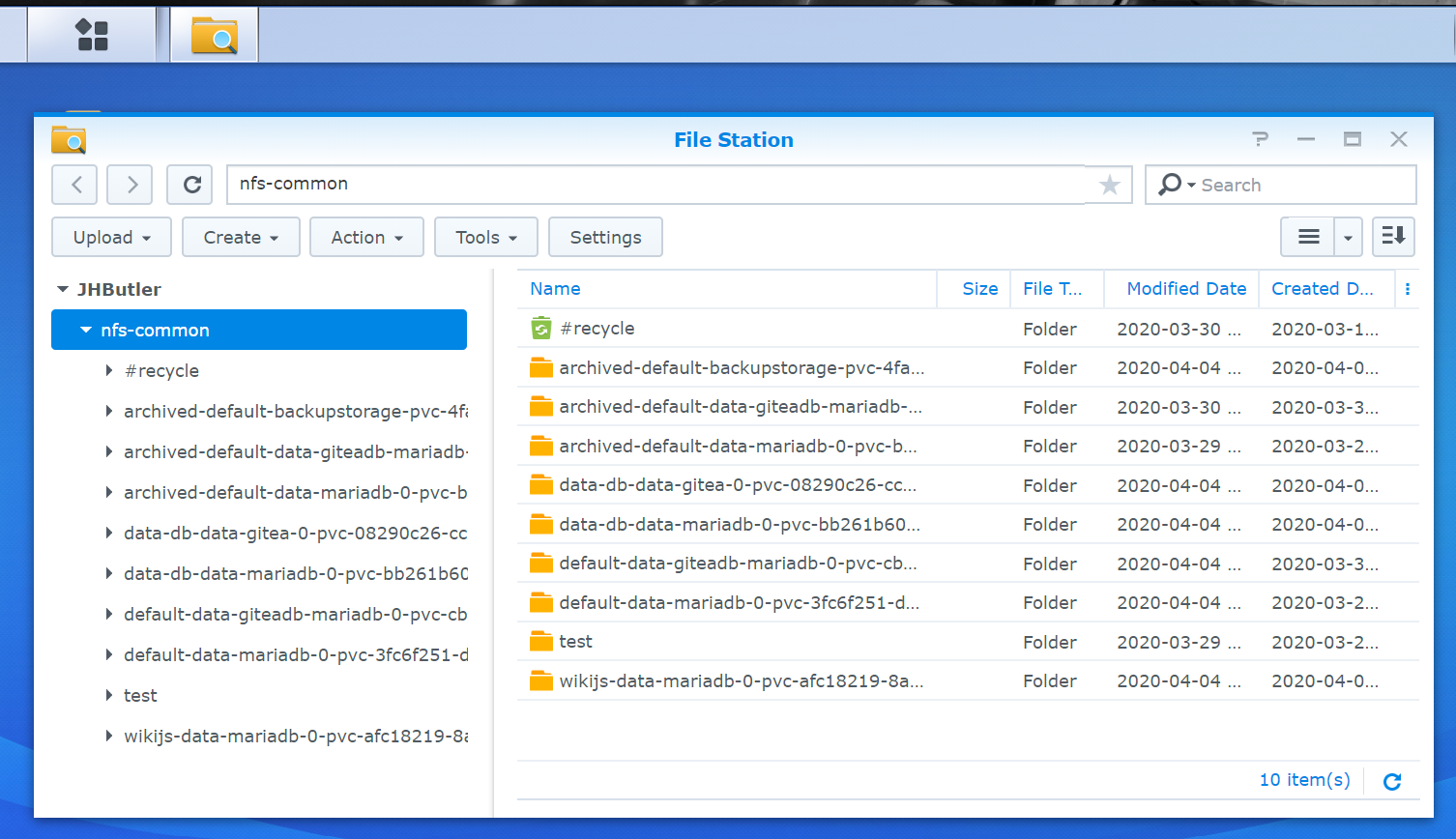
Load balancing
Without a load balancer on the front end, the internal redundancy of the platform is a tad ineffective. Exposing a highly robust platform through a single physical raspberry pi system leaves me unable to reboot that particular PI without needing manual intervetion.
MetalLB
MetalLB offers a load balancing solution for bare metal kubernets clusters. It offers two modes for operation:
- A layer 2 based method where the cluster nodes elect a node to own a shared IP address, but are able to switch ownership in the event that a node becomes unavailable.
- A layer 3 BGP routing solution where the path to the address is modified. This allows multiple nodes to host the shared IP. The first option is fairly simple but does require the worker nodes to exist on the same layer 2 network (so for large scale deployments where worker nodes may span several data centres this would not be ideal). The second does not have this limitation but at the point where cut-over occurs there is a brief disruption of network connectivity.
Having no need for a more complex routed solution, and with only 3 worker nodes the first option is sufficient for this deployemnt.
Update: After scaling up to 5 nodes, I needed to expand to use a second gigabit switch in order to have sufficient network ports to keep everything attached. MetalLB held up as expected. The Layer 2 implementation appears to be a quite robust and simple solution for any cluster with a single layer 2 architecture (i.e. all worker nodes behind a router on a single switched network).
Ingress
I've settled on Nginx as my preferred ingress controller for now. Envoy based solutions look promising but I'm yet to see good coverage across ARM devices.
Helm
After many deploy and tear down exercises I've begun leveraging Helm v3 for deployments - this allows for a much cleaner deployment and uninstall.
I have created a public GitHub repository hosting my customized charts (including this wiki, and the git repository gitea): https://github.com/Joel-Butler/k8s-charts while I keep some of the more sensitive customization data locally, these charts are the underlying deployments that drive this site.
Note: I've intentionally kept secrets out of both the public and private git repository. For now these are manually injected. I'd like to work out a more robust solution as part of establishing a CICD pipeline. More on that later though.